Attendance registration for Microsoft Teams, Web and App
Attender is on a mission to save teachers precious class time by making attendance registration fast and fun. We motivate students to attend with gamification and rewards to reduce absence and dropouts.
The four main advantages of Attender are:
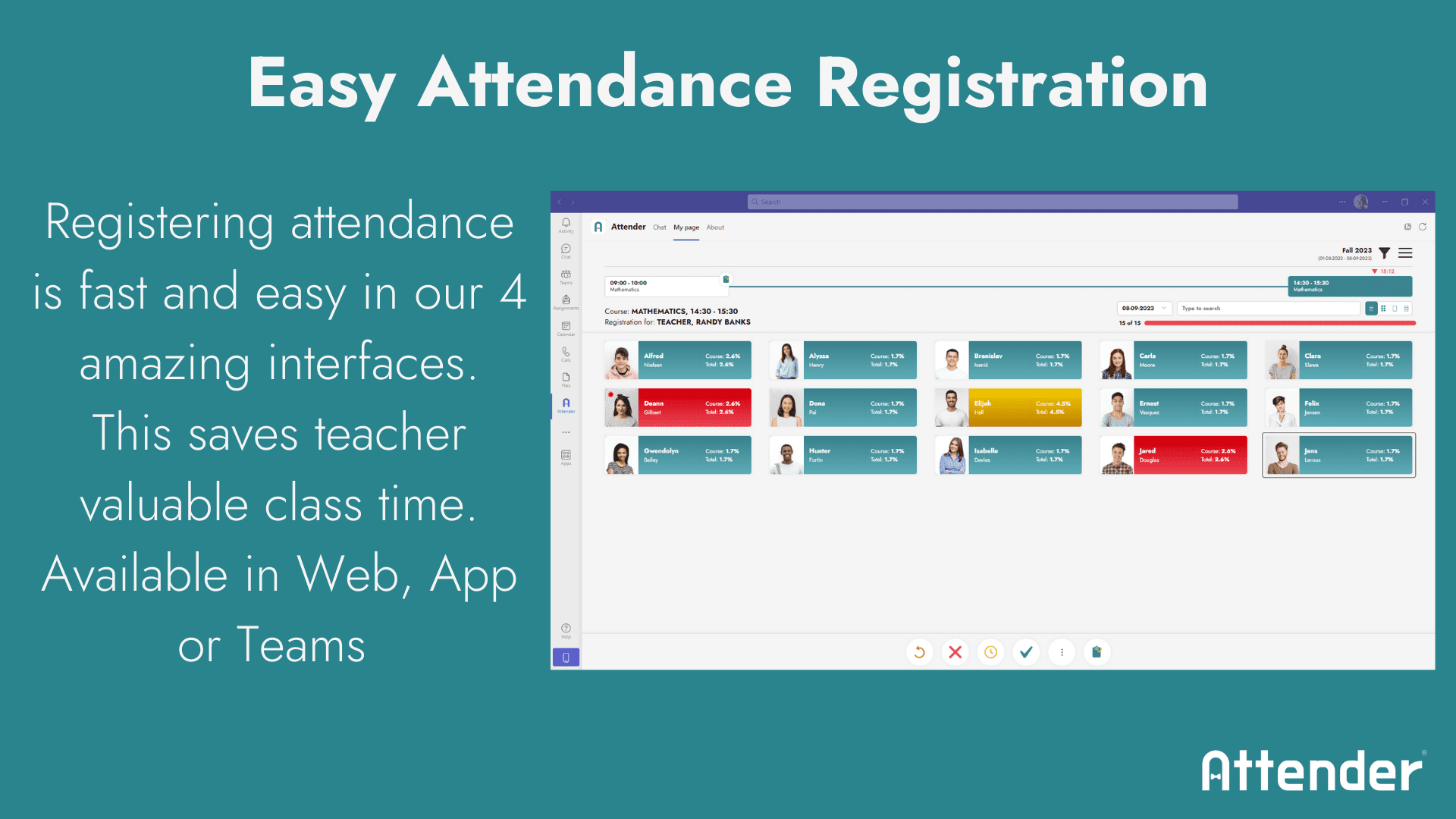
1: Mark attendance faster and save time
Attender is built to make attendance registration fast. This ensures there is more time for teaching. We have 4 unique interfaces to mark attendance. And the option for students to use selfregistration with QR codes.
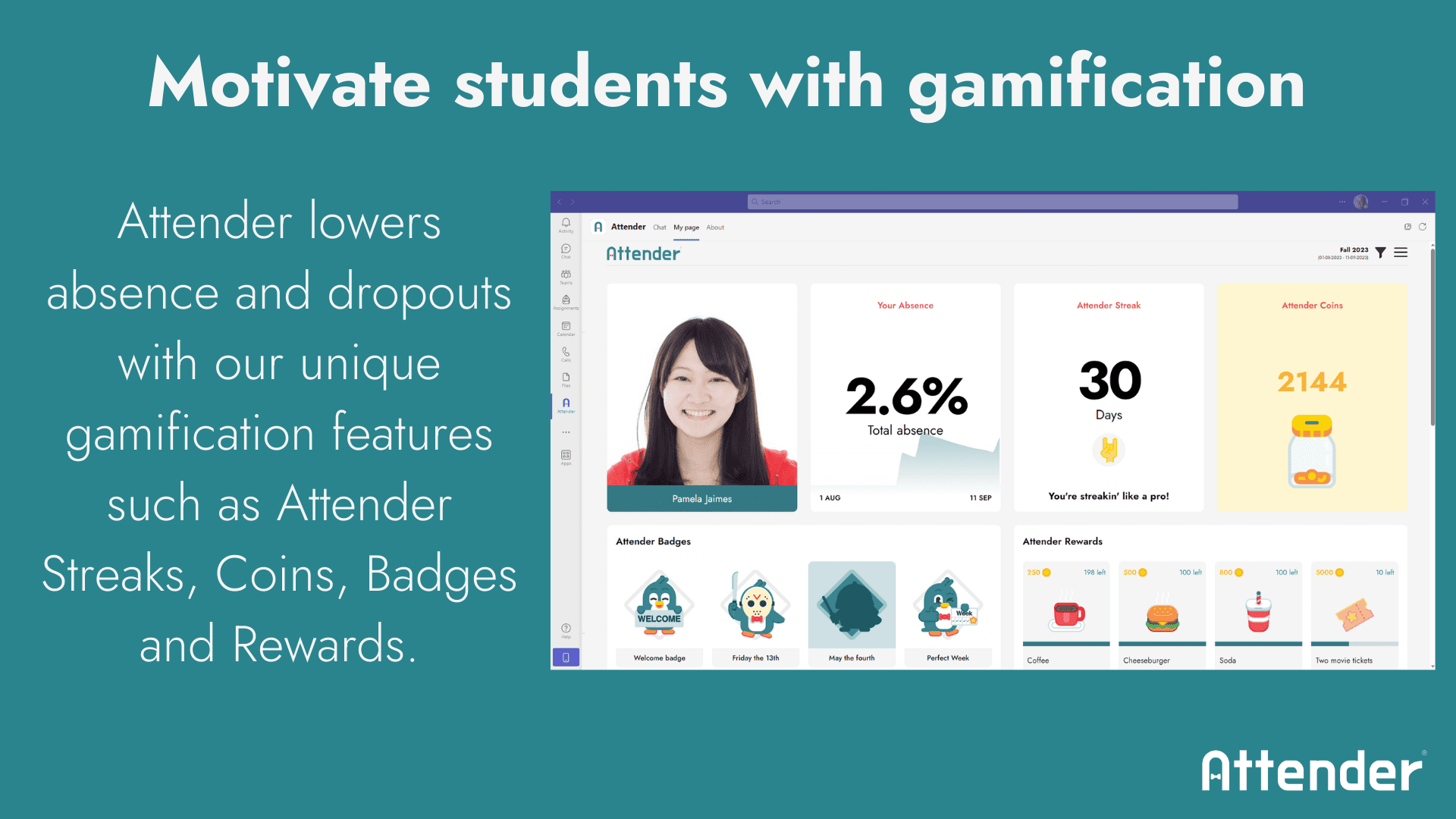
2: Motivate students to attend with gamification
Attender uses gamification to motivate students to attend and rewards their presence with Attender Badges, Attender Streaks, Attender Coins and Attender Rewards.
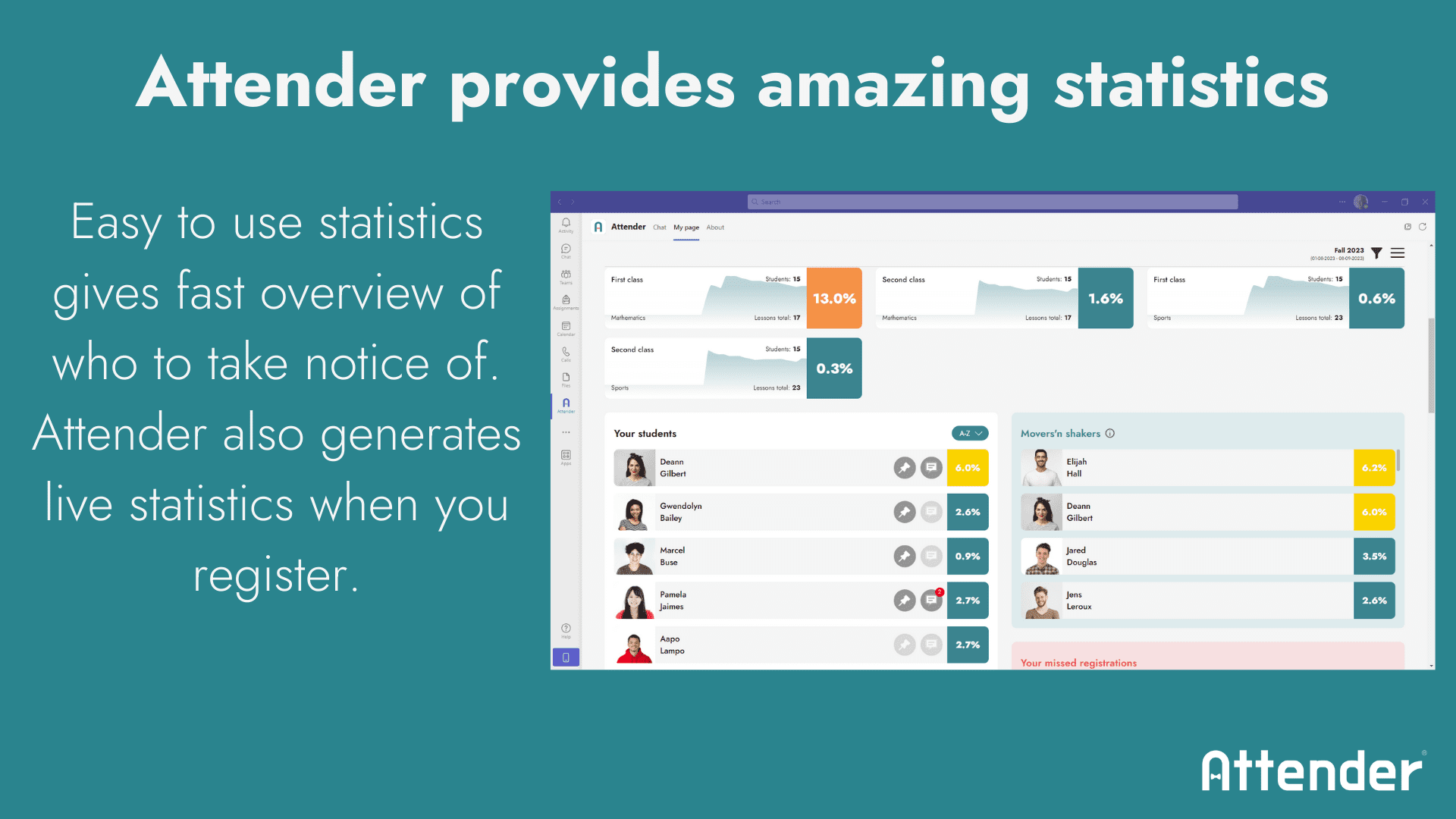
3: Intelligent statistics
Attender contains intelligent statistics. Teachers see live statistics while they register. And our algorithm ``Movers N´ Shakers`` automatically shows you who you should take notice of.

4: Attendance registration in Microsoft Teams
Attender is also made for Microsoft Teams so you do not need to change from one system to another. Attender can automatically mark attendance in online classes. This saves the teacher a lot of time.

Attender video:
Lots of options with app, web and Microsoft Teams.
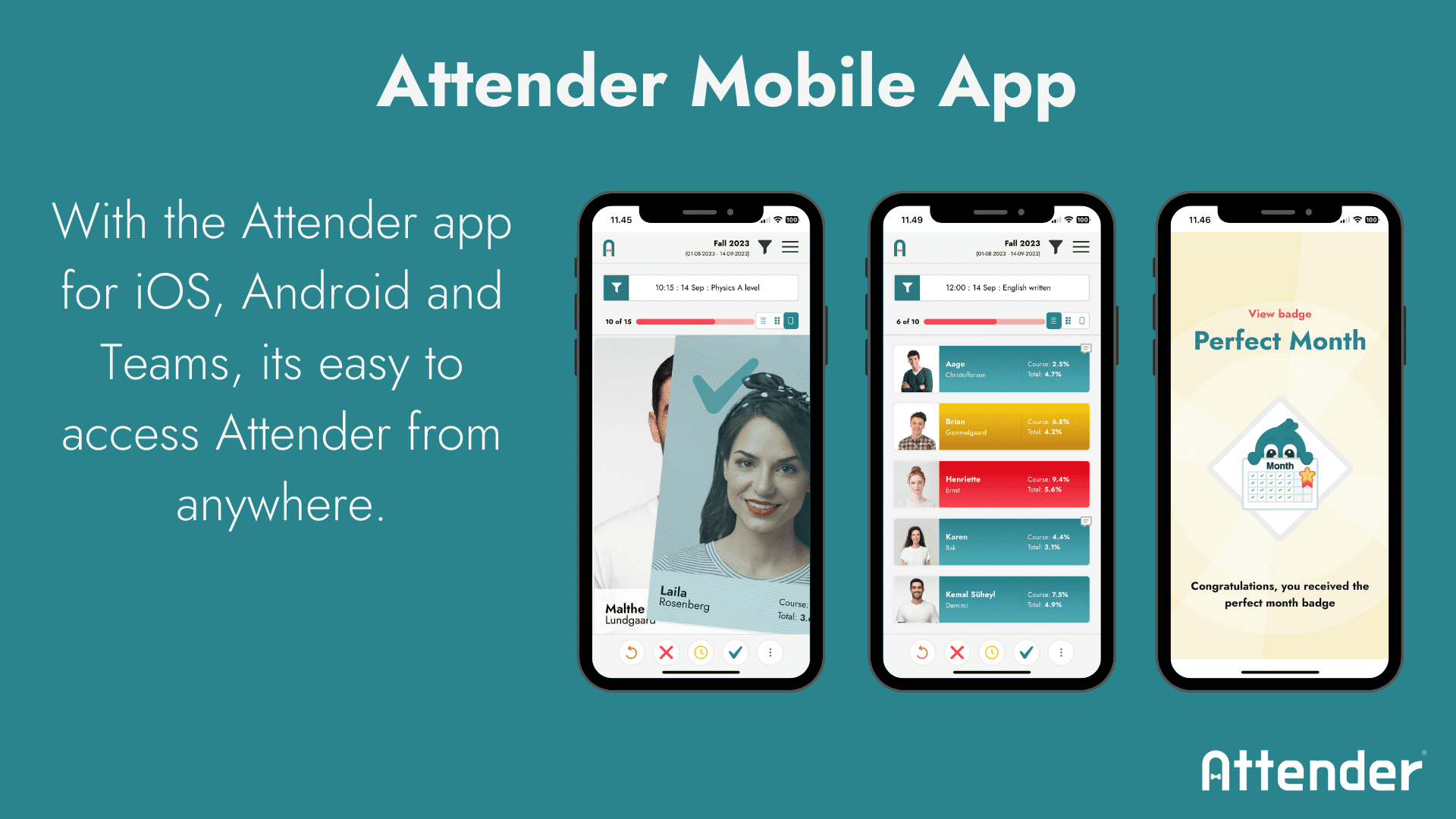
Attender is available in web, app and in Microsoft Teams. So no matter where you are, you have easy access to Attender. This ensures absence registration can be done even if you are not in the classroom. Registration is made super easy via 4 different interfaces. You can register absences for a single lesson or for an entire day at a time.
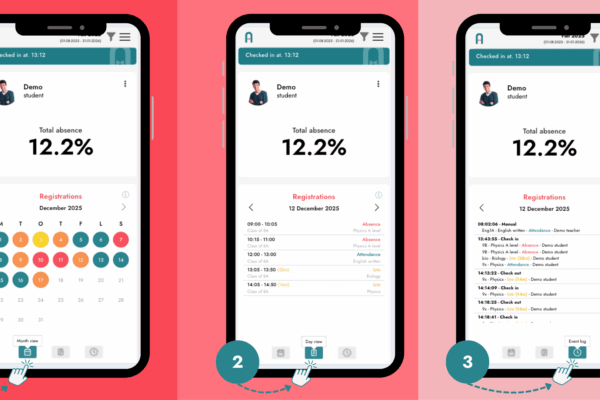
Students also have the opportunity to track their absences and rewards themselves in Attenders’ gamification.
Attender includes student self-registration with QR codes. And we have a unique sickness notification system with “tags” so that statistics can be made on the reasons for absence.
3 clever ways to mark attendance in the app
Detailed View
You see one student at a time. Swipe left for absent, right for present or up to mark the student as late. It makes absence registration extremely fast and fun.
List View
Here you see a list view of the students. Attender calculates live statistics while you register so you can see the absences in the team or the entire education.
Grid View
With grid view you can see more students at at time. This is an advantage if you have many students or just need to make changes on a few students.
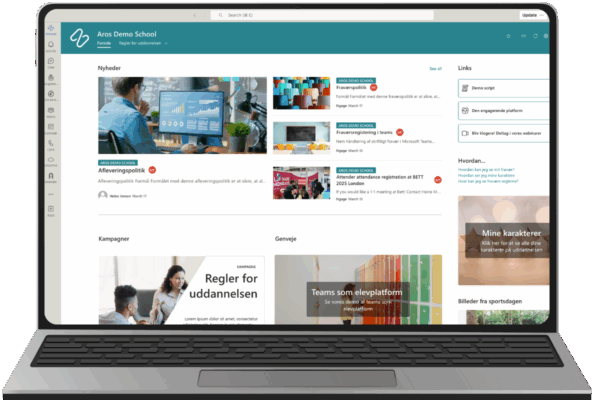
Attender can be integrated directly into Microsoft Teams, so you do not need to switch between systems to mark attendance. Attender in Teams also includes automatic attendance registration when doing online learning.
Statistics
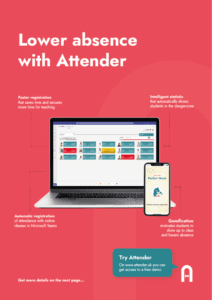
Attender naturally contains statistics. Both for teachers, study advisors, municipality, management and the student himself. And our unique algorithm – Movers N’ Shakers – will automatically show you which students you should pay attention to.
With our statistics, it is easy to discover students who are in the danger zone. We also have observation lists, heatmaps, projected absences and many other intelligent tools.
If there is a need for tailored statistical reports, then Attender’s data can be exported via Excel and the Attender API to e.g. Microsoft PowerBI
Gamification
Everything is a little more fun when it’s a game and if you’re rewarded.
We believe you go further with a carrot than a whip. That is why we have built-in gamification in Attender where students earn Attender Coins, Attender Rewards, Attender Badges and Attender Streaks for coming to classes.
The school can choose whether Attender Coins can be redeemed for Attender Rewards, which can provide a free lunch in the canteen, gift cards or something else.
Read more about gamification and the science behind it here: Gamification
Prices and functions
Since not everyone has the same needs, we offer Attender in several versions.
Contact us regarding volume and enterprise pricing.
All prices are in Euro and are excluding sales tax and setup cost. And only for education. See Attender Biz for our business version. Prices and functionality can be changed. Minimum licence purchase is 300 users.
If you fill out the form, we will send you a link to our demo version. We will also and you to our newsletter so you are always up to date on Attender news. You can naturally always unsubscribe right away.
Attender is developed in collabration with schools
We have spent at lot of time with schools and teachers to make sure Attender forfills their needs. We need to spend less time on attendance registration and more time on teaching.
Attender is Microsoft Partner and it is made on a Microsoft platform. But will work on most platforms.